kezia & i wanted to mill a pcb in house on the small mills that we have on the floor.
we designed the schematic on ki-cad, exported it as a .gbr file, and then set up the mill using this guide that octavio sent me: https://homemadehardware.com/guides/bantam-milling-1/
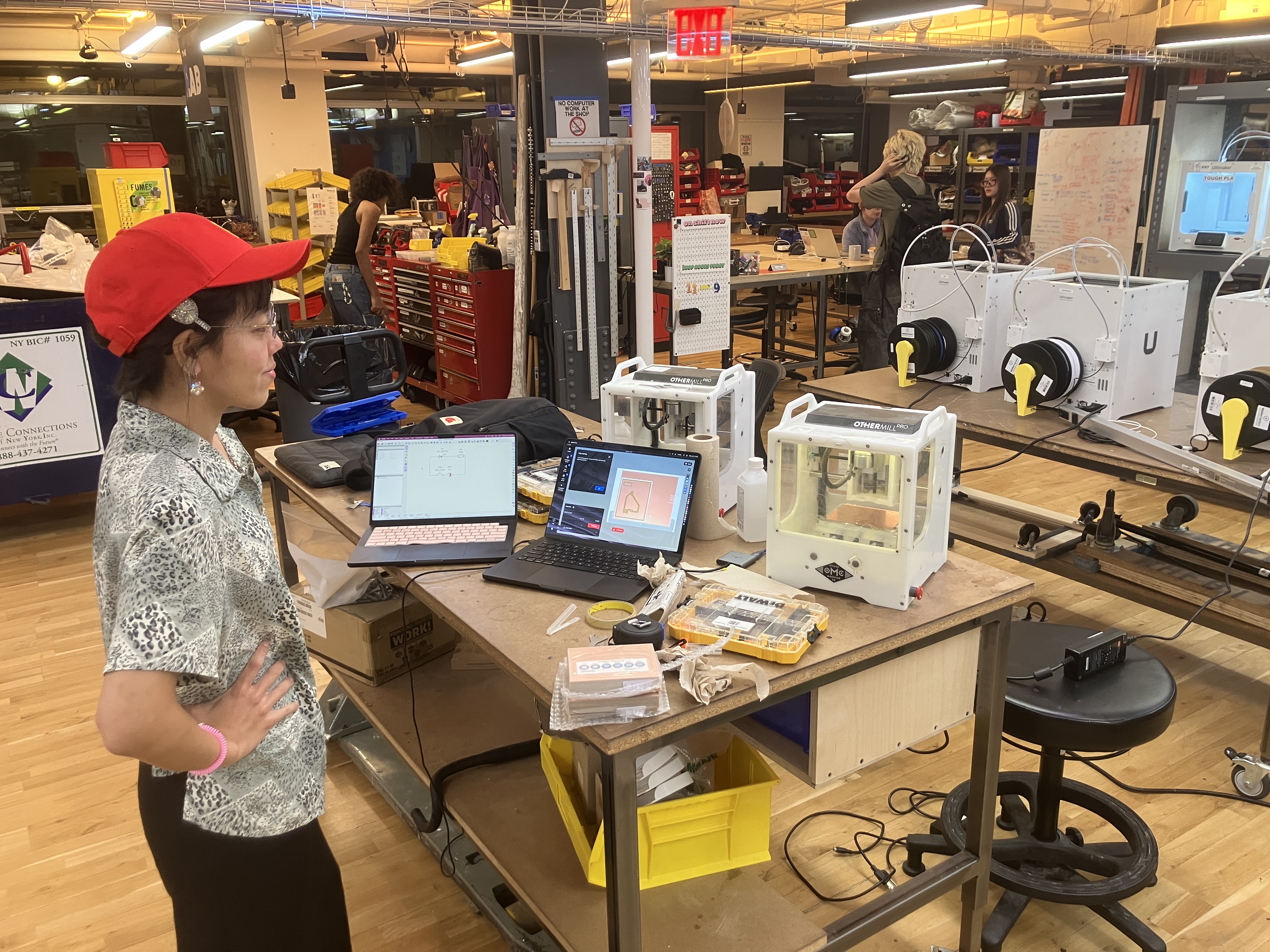
we couldn’t get the depth right, and we also broke a bit.
watched a few videos.
bantam software treats:
- strokes as cutout
- fills as engraving
ian cox told me to use the bigger bantam cnc instead of the other mill because the new bantam is the newer machine.
finally got it with kezia & jagi.
stuff to remember:
gerber file
fcu is top layer — put all cuts there
bcu we don’t need in single side copper.
edge cut will cut the board.
trace width should just be more than bit width.
you can edit hole size too so that you can basically mill the whole pcb with one bit (1/32”).